How to isolate vocals for a remix
Updated · 7 min read
A remix starts with a vocal you can trust: one that sits on your beat, in your key, without a ghost of the old drums behind it. Getting the voice out is the quick part. This guide is about the rest of the job: picking the file to start from, checking the stem by ear before it goes anywhere, matching tempo and key, lining it up in your DAW, and handling the bleed every separated vocal has. The numbers come from our own scored test on a song whose artist published the real stems.
Start from the best copy you have
A separation model can only work with what the file still holds. Every lossy copy, a streamed rip or an MP3 made from another MP3, has thrown away detail in the highs, and that's exactly where breath, consonants and cymbals live. The model then has less to tell them apart with, and the vocal comes out duller and splashier. If you have a WAV, a FLAC or the highest-quality download the label sells, start from that.
Save the result as WAV for the DAW. A split part comes out as plain 16-bit audio, so you can stretch it, chop it and bounce it again without stacking one more round of compression on it. MP3 is fine for sending a rough idea to a collaborator, not for the session itself.
| Save it as | A minute | The whole 3:18 vocal | Pick it for |
|---|---|---|---|
| WAV | about 10.6MB | about 35MB | The DAW: stretch, cut and bounce it with nothing more lost |
| MP3 | about 2.4MB | about 8MB | Sending a rough idea to someone |
| WebM (Opus) | about 1.0MB | about 3MB | Listening back in a browser; check your DAW opens it first |
Split it with the vocal remover
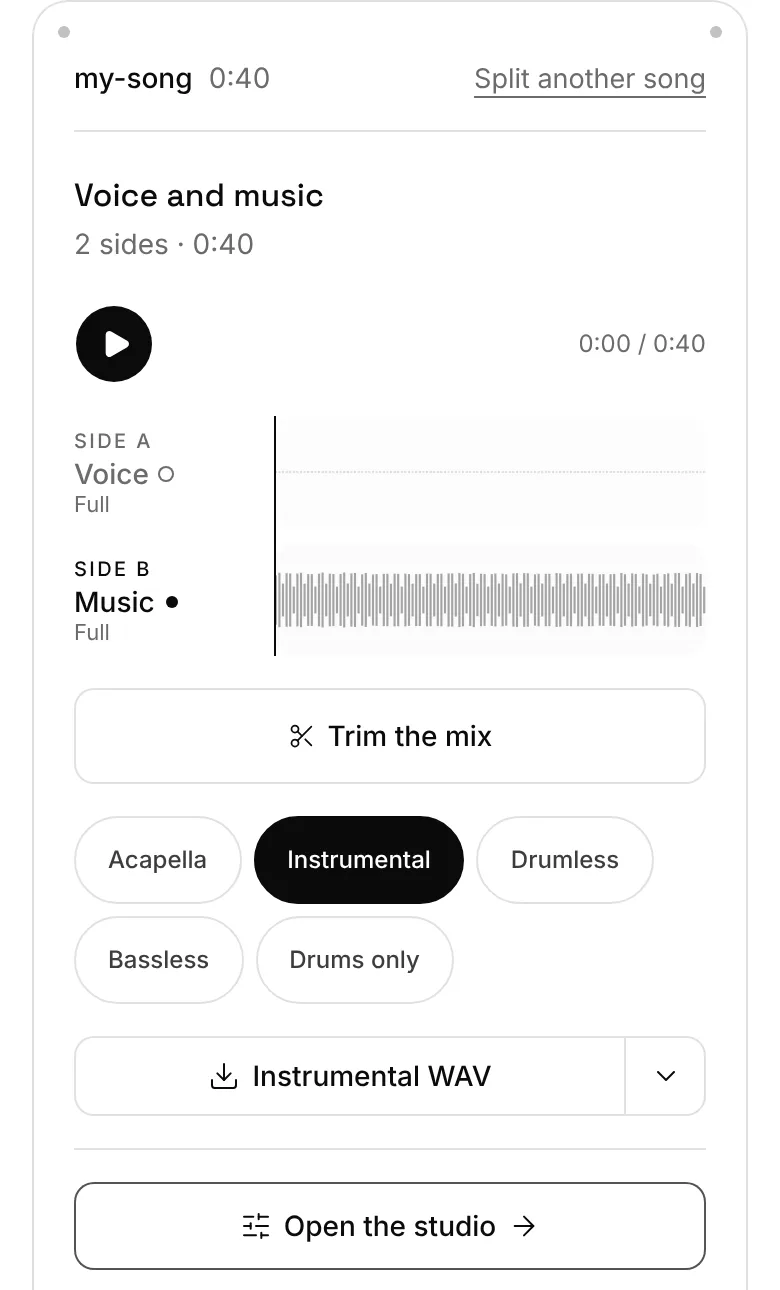
- 1Open the acapella extractor (the Acapella mix is the voice alone), or open extractune.com/extract if you want to trim first: there the file opens with a trim, so you can keep only the verse and chorus you'll use and split less.
- 2Choose the file. Your first split fetches the engine (about 90MB) and the browser keeps it, so start on Wi-Fi. Splits are capped at 6 minutes with a usable graphics chip and 2 without.
- 3When the four parts are on the timeline, solo the voice and listen through once before you save anything (the checklist below).
- 4Pick WAV on the Split tab, then download. Take the instrumental too, or all four parts as a zip: you'll want the original drums and bass to check your timing against later.
How clean is the vocal? Our test
Our test song, "Just Lucky, I Guess" by Mr_Yesterday, runs 3:18 and came out under CC BY 4.0 together with its stems. We split it and scored the vocal against the artist's own vocal stem. SI-SDR compares the energy of the real part with the energy of everything that isn't it; the last column turns that score into a share you can picture. Our vocal scored 10.76 dB, so what's left of the band carries about 8% of the voice's energy; vocalremover.org's scored 9.79 dB, about 10%.
That's clean enough to build a track on, and not clean enough to call it the studio acapella. The leftovers aren't spread evenly: they bunch up in the gaps between lines, under long held notes and wherever the cymbals are loud, which is why the listening pass matters more than the number.
The full test against vocalremover.org, and its method
| Vocal from | SI-SDR | SDR | What isn't voice, against the voice's energy |
|---|---|---|---|
| Extractune | 10.76 dB | 8.60 dB | About 8% |
| vocalremover.org | 9.79 dB | 8.42 dB | About 10% |
| The song itself, not split | 0.64 dB | Not scored | About 86% |
Listen for leftovers before you import
Five minutes of listening now saves an hour of fixing a mix later. Solo the voice in the studio and go through the song once on headphones, with these in mind:
- 1The gaps. Between phrases a perfect stem would be silent. Hi-hats, a snare crack or a strummed chord in those gaps are the bleed you'll hear most on your beat.
- 2The tails. Reverb and delay on the original vocal belong to the voice, so they come along, and they may not suit your track. A dry vocal is easier to work with than a washed one.
- 3The harmonies. Backing vocals and doubles are voices too, so they stay in the stem. Decide now whether you want them or need to cut around them.
- 4The low end. A thump under the voice is usually kick drum or bass. A low cut below the voice takes most of it out.
- 5The loudest chorus. Separation works hardest where everything plays at once; if the chorus holds up, the verses will.
Match tempo and key before you import
Read the original's tempo and key with the key and BPM finder. Run it on the full song or, better, after the split, when it reads the beat off the drum part and the key off the bass and the other instruments, with the voice out of the way. Write both down; the stem has no drums for your DAW to lock onto, so you'll be setting its tempo by number.
Small moves sound natural, big ones don't. The studio's Speed changes the tempo without touching the pitch, and Key moves the pitch a semitone at a time (up to 12 each way) without touching the tempo. For a remix, try to keep both within a few percent and a couple of semitones of the original; beyond that, a different vocal or a half-time feel often works better than forcing it.
Change the tempo with a time-stretch, not by resampling. Speeding a file up like a record moves the pitch with it, so a vocal pushed from 90 to 100 BPM that way also rises by close to two semitones, as the last column of the table shows. The studio's Speed and your DAW's stretch both avoid that.
Find a song's key, then move it
| Vocal to track | Speed to set | In whole percents that gives | Resampled instead, the pitch goes |
|---|---|---|---|
| 90 to 100 BPM | 111% | 99.9 BPM | Up 1.8 semitones |
| 95 to 100 BPM | 105% | 99.75 BPM | Up 0.9 semitones |
| 100 to 95 BPM | 95% | 95 BPM exactly | Down 0.9 semitones |
| 120 to 126 BPM | 105% | 126 BPM exactly | Up 0.8 semitones |
| 124 to 128 BPM | 103% | 127.72 BPM | Up 0.5 semitones |
| 140 to 150 BPM | 107% | 149.8 BPM | Up 1.2 semitones |
Line it up in your DAW
The four parts come from one stretch of audio, so they start at the same moment and run the same length. Drop the vocal and the instrumental onto two tracks at the same start and they line up with each other. That's your timing reference: play them together, set the project to the tempo you read, and nudge the grid until the original's downbeats fall on bar lines. Then mute the instrumental and build your own track under the voice.
If you trimmed before splitting, the parts start where your trim started, not at the top of the song. Note that time, or keep the trimmed stretch as the reference instead of the full song.
When you stretch the vocal to a new tempo in the DAW, check the consonants afterwards. S, T and K sounds are short, and stretching smears them first; a stretch mode made for voices, if your DAW has one, keeps them sharper.
What to do about bleed and ghost instruments
A low cut is the first fix: set it just under the lowest note the singer sings, and most of the kick and bass bleed goes with nothing you need. In the studio, Clean up voice cuts the rumble, tames sharp esses, smooths out the level and brightens it a touch, and every download keeps it.
Gaps are the second. A noise gate, or cutting the silence between phrases by hand, removes the hats and snare that live there. Cutting by hand takes longer and sounds more natural.
Then let the new track help you. Your own drums and chords sit on top of the faint leftovers and cover them, the same way the original band did. Bleed that's obvious on a soloed stem often disappears in the mix. Judge it in context before you spend time on it.
If a line still has a ghost you can't live with, use a cleaner take of it from elsewhere in the song: choruses repeat, and the third one may be cleaner than the first.
A note on rights
Isolating a vocal for practice or study at home is one thing; releasing a remix is another. Under US law, a song and a recording of it are two separate works, each with its own owner, and both owners hold the exclusive right to copy the work and to make new works from it. That's from the US Copyright Office's Circular 56A (revised March 2021, read 11 November 2026). A remix you put out uses both, so it needs permission from the people who own the song and the recording, usually through the label and the publisher. Other countries have their own rules. This isn't legal advice.
There's an easier route for practice tracks you want to share: songs released under a Creative Commons licence that allows remixes. ccMixter is built around that, with vocals and stems artists share for remixing. Our test song is one of them, under CC BY 4.0, which asks for credit to the artist.
Questions
What does acapella mean here?
The voice on its own, lifted out of a finished song, which is how remixers use the word. A studio acapella is the singer's own recording before the mix; a separated one is close but carries a little of the band, as the test above shows.
MP3 or WAV for a remix?
WAV. It's about 10.6MB a minute against 2.4MB for MP3, but every cut, stretch and bounce in the DAW starts from the full detail instead of a compressed copy.
Why does the vocal have drum hiss on it?
Cymbals and hi-hats spread across the same high frequencies as S and T sounds, so the model can't always tell them apart. It shows most in the gaps between lines; a gate or hand edits there take most of it out.
Can I release a remix with an isolated vocal?
Only with permission. A released song is two works, the composition and the recording, and both owners control new versions of it. Ask the label and publisher, or remix songs whose licence allows it, such as Creative Commons tracks that permit remixes.
Does it work on a phone?
Yes, in Chrome or Safari. On a phone with a usable graphics chip, a 3:18 song takes about 5 minutes on average. Phones short on memory, and iPhones, run a lighter engine that only parts the voice from the music, and less cleanly: good for sketching an idea, not for the final vocal.